Animated, transparent, 112 / 56 / 28 px
Twitch Emote Maker
This Twitch emote maker draws a new animated emote from one sentence: a square, transparent GIF that loops. Download it at 112, 56 or 28 pixels for Twitch’s manual upload, or use the 320 px original for auto-resize. You describe your channel’s character and one reaction, and the emote is ready in seconds.
Make my emote1Describe your emote
One subject and one action that repeats (waving, bouncing, blinking) loop best. Words go in quotes. No real people, celebrities or brand characters.
2Pick a style
What's new
- Launch: "112 px", "56 px" and "28 px" downloads for Twitch’s manual emote upload.
How to use the Twitch Emote Maker
Describe the emote
A character and one reaction: "a clapping bear". Keep the first frame clear, because Twitch uses it as the thumbnail.
Generate the GIF
The emote is a transparent 320 x 320 loop. Standard costs 1 credit and takes about 8 to 15 seconds.
Pick a download
Use the 320 px original for auto-resize, or the "112 px", "56 px" and "28 px" buttons for manual upload.
Made with this tool
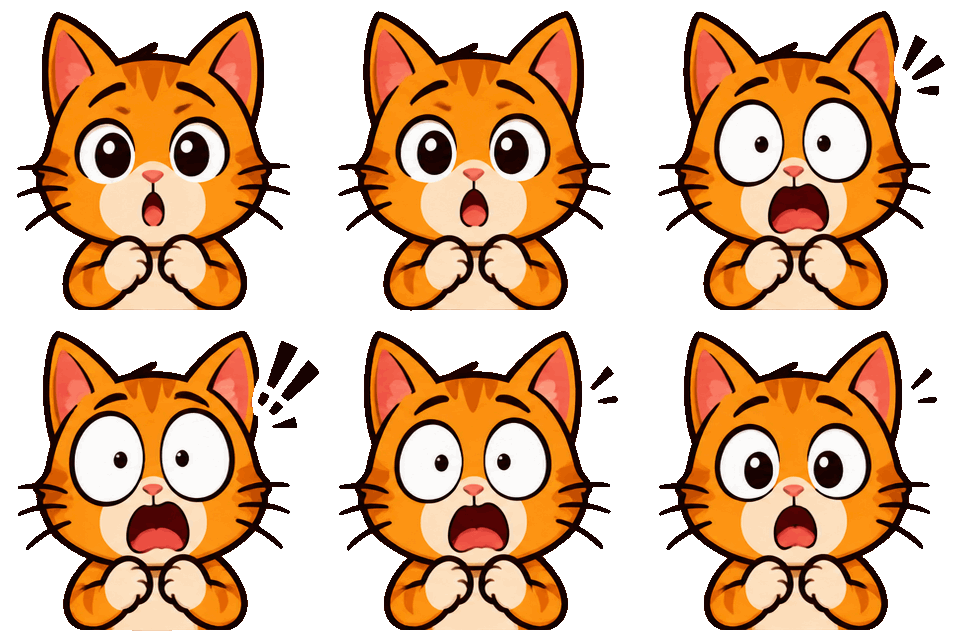
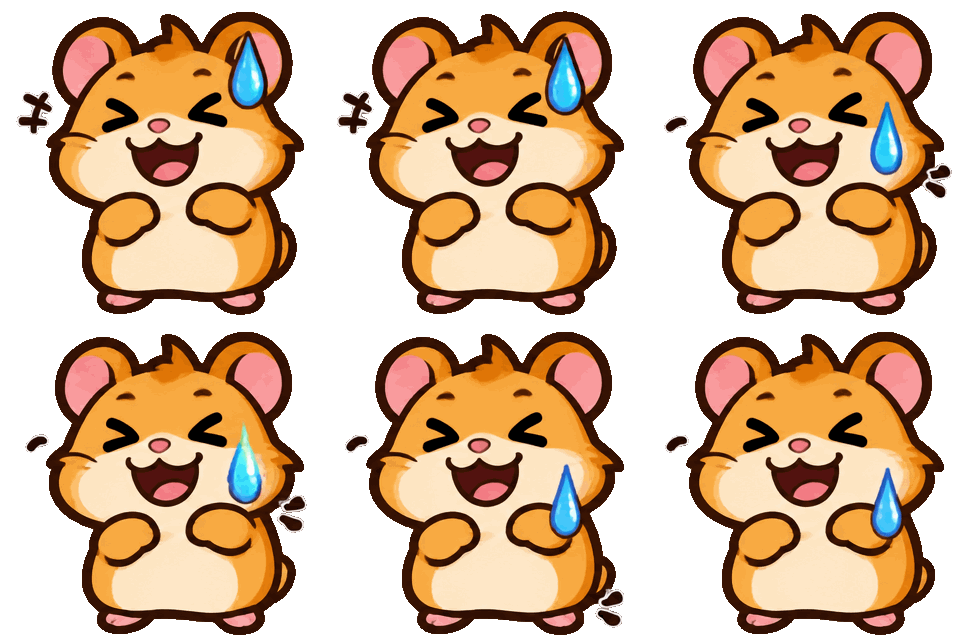
Made with this generator and GPT-Image-2.6 from the prompts and styles shown, with no editing afterwards. The checkerboard shows where the background is transparent. The people, pets and input photo are AI-generated and fictional.
 Emoji GIF
 Emoji GIF

 Emoji GIF
 GIF

 Sticker GIF
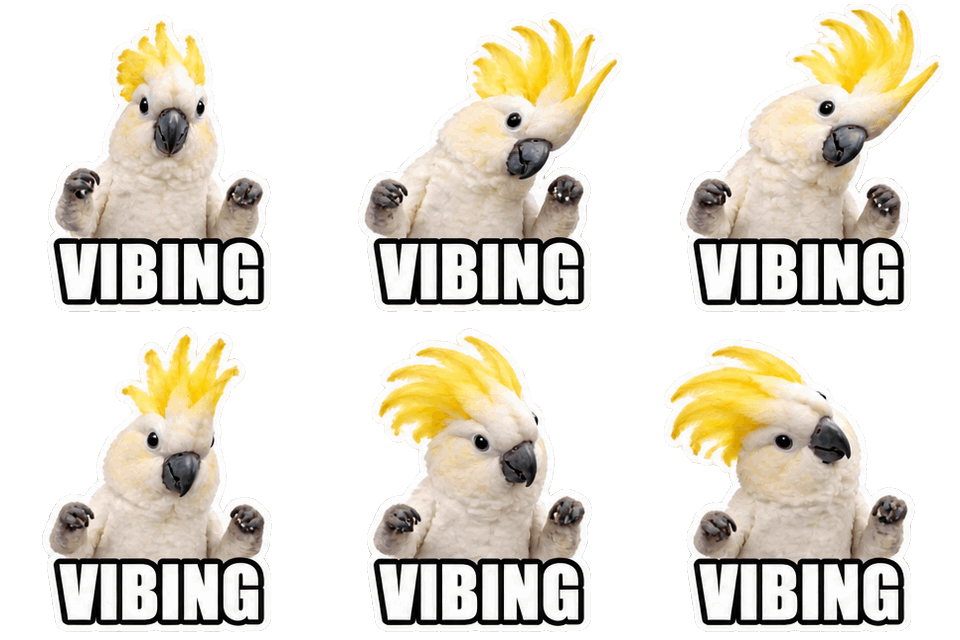
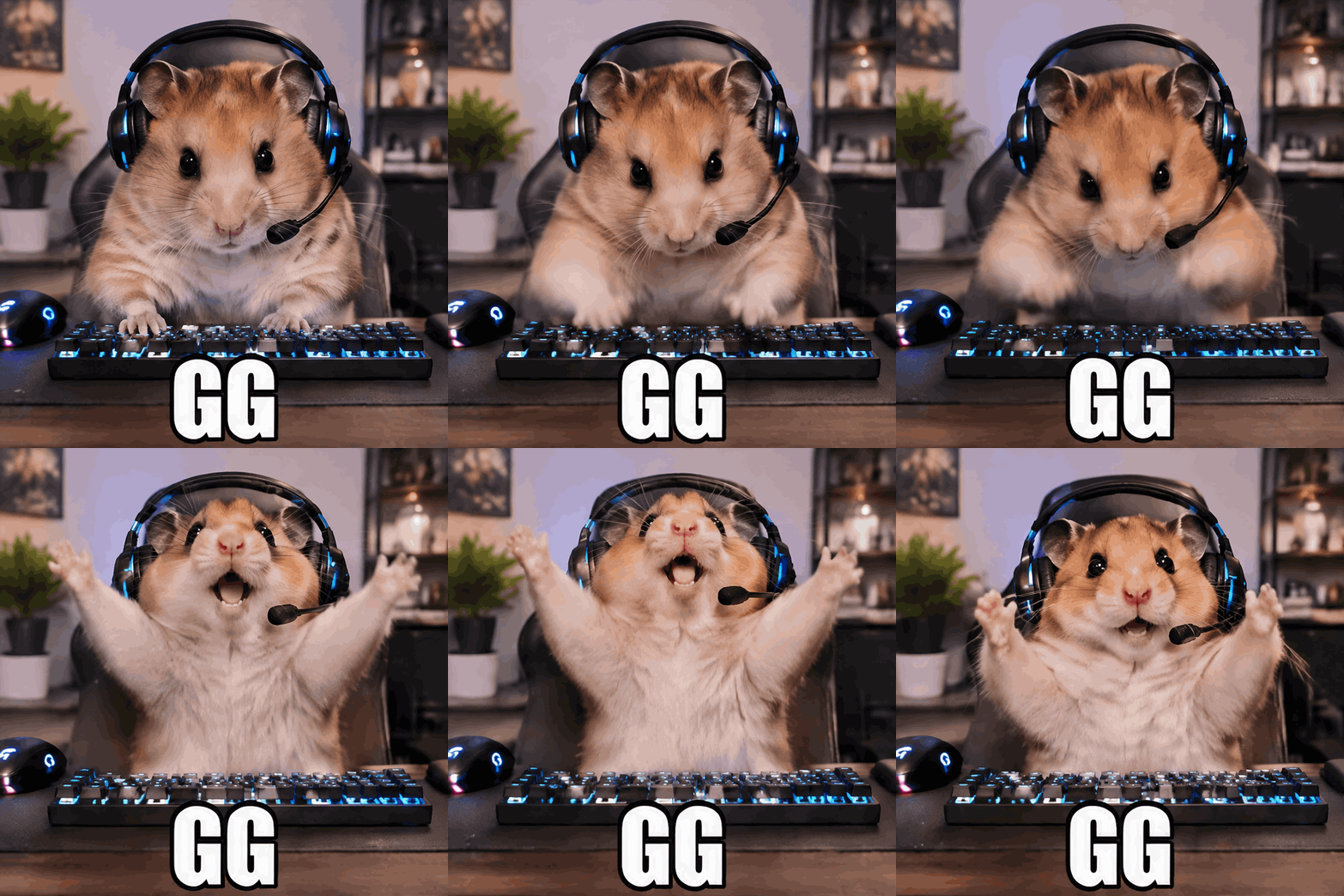
 GIF
 Sticker GIF
 photo in
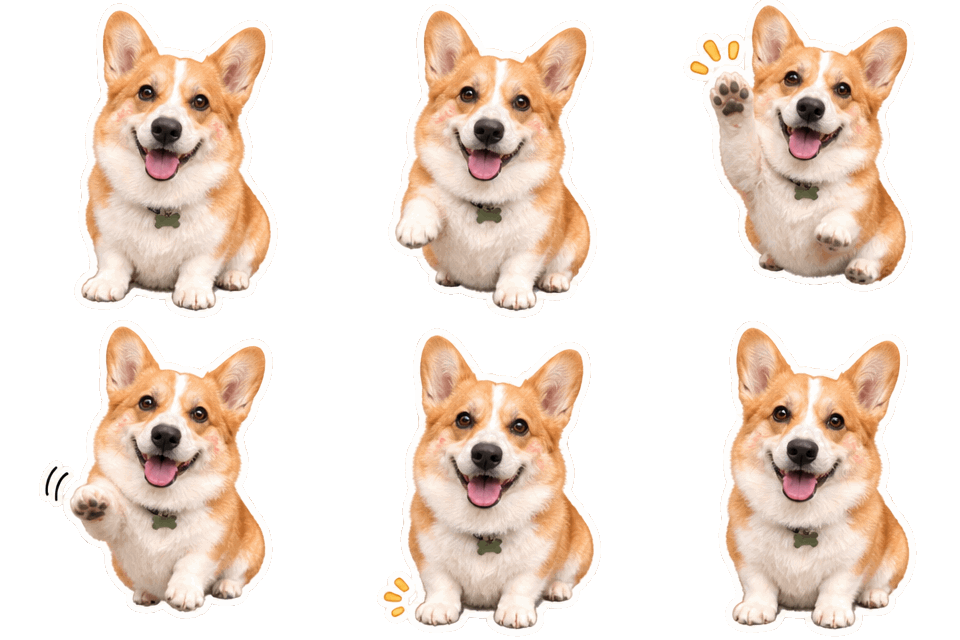
 Emoji GIF

What this Twitch emote maker makes
The Twitch emote maker draws one character and one repeating reaction as a transparent GIF, 320 x 320 pixels with 8, 12 or 16 frames. The first frame is what Twitch uses as the default thumbnail, so ask for a pose that already reads as the emote.
A Standard emote costs 1 credit and an HD emote 2. The output is a new original drawing each time, so it can be your channel’s own mascot instead of a copy of a popular face.
Twitch emote size and animation rules
Per Twitch Help, animated emotes are square GIFs with at most 60 frames, and they must not flash more than three times a second. Auto-resize upload takes one file from 112 x 112 up to 4096 x 4096 and up to 1 MB. Manual upload needs three files, 28 x 28, 56 x 56 and 112 x 112, each up to 512 KB.
An 8-frame emote from this Twitch emote maker is about 160 to 210 KB at 320 px, so the original already fits the auto-resize limit. The three download buttons cover the manual route.
Animated emote maker: from prompt to upload
As an animated emote maker, this page skips the video-to-GIF step, and as a Twitch emote maker it does the sizing for you. You do not record a clip and cut it; the model draws the loop from your sentence. That is the main difference from tools such as StreamLadder, which cut a GIF from video you already have.
Keep the speed on Normal or Slow and avoid strobing colors so the emote stays inside Twitch’s flash rule. Animated emote slots depend on your Affiliate or Partner status, so check your dashboard before you plan a set.
Twitch emote maker tips for readable emotes
An emote is shown at 28 pixels in chat, so use one face or gesture, thick outlines and two or three colors. Cute or chibi characters with large eyes read well when small.
For a matching set, repeat the same style words in every prompt and change only the reaction: cheer, sad, shock, clap. Use at most one to six letters in quotes if you want text.
Twitch emote GIF and AI emote generator questions
A Twitch emote GIF has to be square, so this tool only makes squares at this size. Upload one file at 112 px or larger to auto-resize, or the three small files if you prefer to control each size.
As an AI emote generator it does not copy existing emotes. Prompts for famous emotes, real people and brand characters are refused, so describe an original character.
Want a full scene instead? The GIF generator makes 720 px looping GIFs of any idea. For a different format, try the transparent GIF maker or the AI sticker generator or the Discord GIF maker. Credits for every format are on the pricing page, failed generations are refunded under the refund policy, and questions about uploads go to our contact page. Before you upload, check the Discord emoji size guide, or see how other tools compare in the best AI sticker generators.
More GIF tools
GIF generator
Any idea as a looping 720 px GIF, or a transparent 320 px sticker GIF.
AI sticker generator
Animated or still stickers with a transparent background and a white die-cut edge.
Discord GIF maker
Animated emoji, stickers, reaction GIFs and avatars, sized for Discord’s limits.
Image to GIF AI
Animate your own photo as a looping GIF, or cut its subject out as a transparent sticker.
AI emoji generator
Animated custom emoji with a transparent background, made from one sentence.
Slack emoji maker
Animated custom Slack emoji with a transparent background and a 128 px download.
Transparent GIF maker
New animated GIFs with a transparent background from the first frame, no cut-out halo.
Original art only
GIF Generator AI draws new images from your words with OpenAI's GPT-Image-2.6. Prompts for sexual content, celebrities, minors, or other people's characters and logos are refused, and a photo you upload may show only you or people who agreed. Every prompt is checked before credits are charged, OpenAI applies its own safety filters, and a blocked generation is refunded. GIF Generator AI is an independent site, not affiliated with OpenAI or Discord.
Twitch Emote Maker FAQ
Make an emote your chat will spam
Type what should move, pick GIF or sticker, and download it in seconds. Transparent backgrounds included.
Make my emote