Sized for emoji, stickers and chat
Discord GIF Maker
This Discord GIF maker draws new GIFs for your server from a sentence and sizes them for the place they go. Pick Emoji for a transparent 320 px loop that stays under Discord’s 256 KB emoji limit, Sticker for a 320 px transparent sticker, Reaction GIF for chat, or Avatar for a looping profile picture. GPT-Image-2.6 draws every frame, so the GIF can be your server’s mascot or an inside joke that does not exist on any GIF site.
Make my Discord GIF1What is it for?
320 px, transparent, 8 frames: stays under the 256 KB emoji limit
2Describe what moves
One subject and one action that repeats (waving, bouncing, blinking) loop best. Words go in quotes. No real people, celebrities or brand characters.
3Pick a style
What's new
- Launch: four Discord formats (emoji, sticker, reaction GIF, avatar) with the size, frames and background set for each.
How to use the Discord GIF Maker
Pick what it is for
Emoji, Sticker, Reaction GIF or Avatar. Each one sets the size, the frame count and the background to fit Discord.
Describe it
One bold subject and one action: "a tiny game controller jumps and cheers". For emoji, simple shapes read best at chat size.
Upload to your server
Download the GIF, open Server Settings, then Emoji or Stickers, and upload it. Reaction GIFs go straight into any chat.
Made with this tool
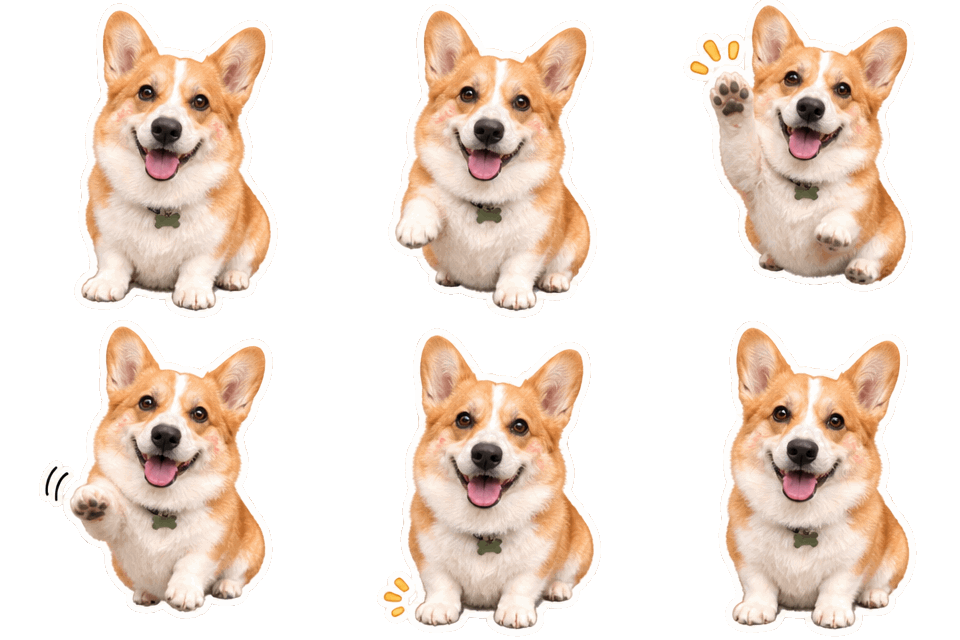
Made with this generator and GPT-Image-2.6 from the prompts and styles shown, with no editing afterwards. The checkerboard shows where the background is transparent. The input photo is AI-generated.
 Sticker GIF
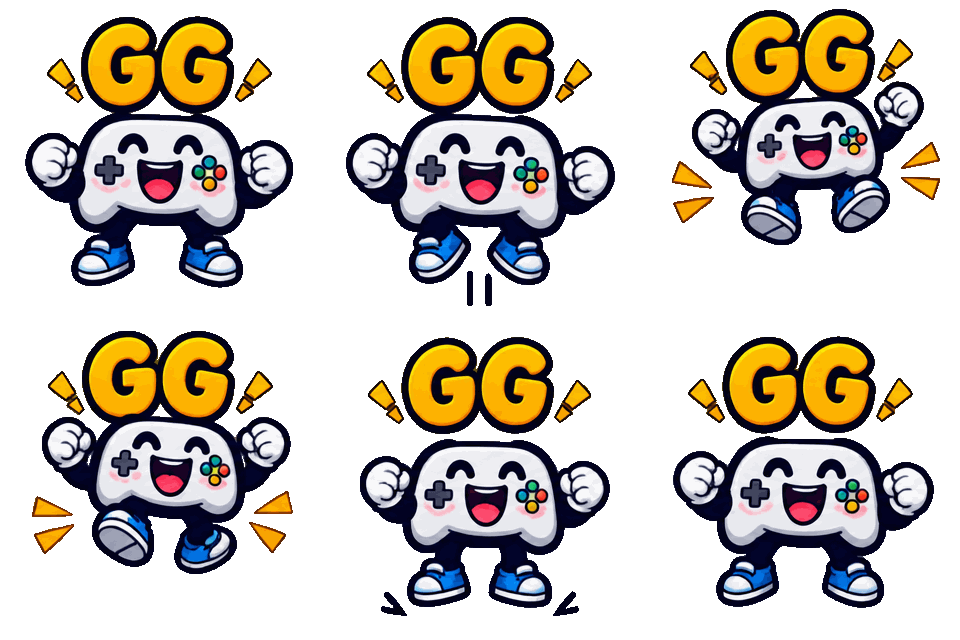
 Sticker GIF
 GIF
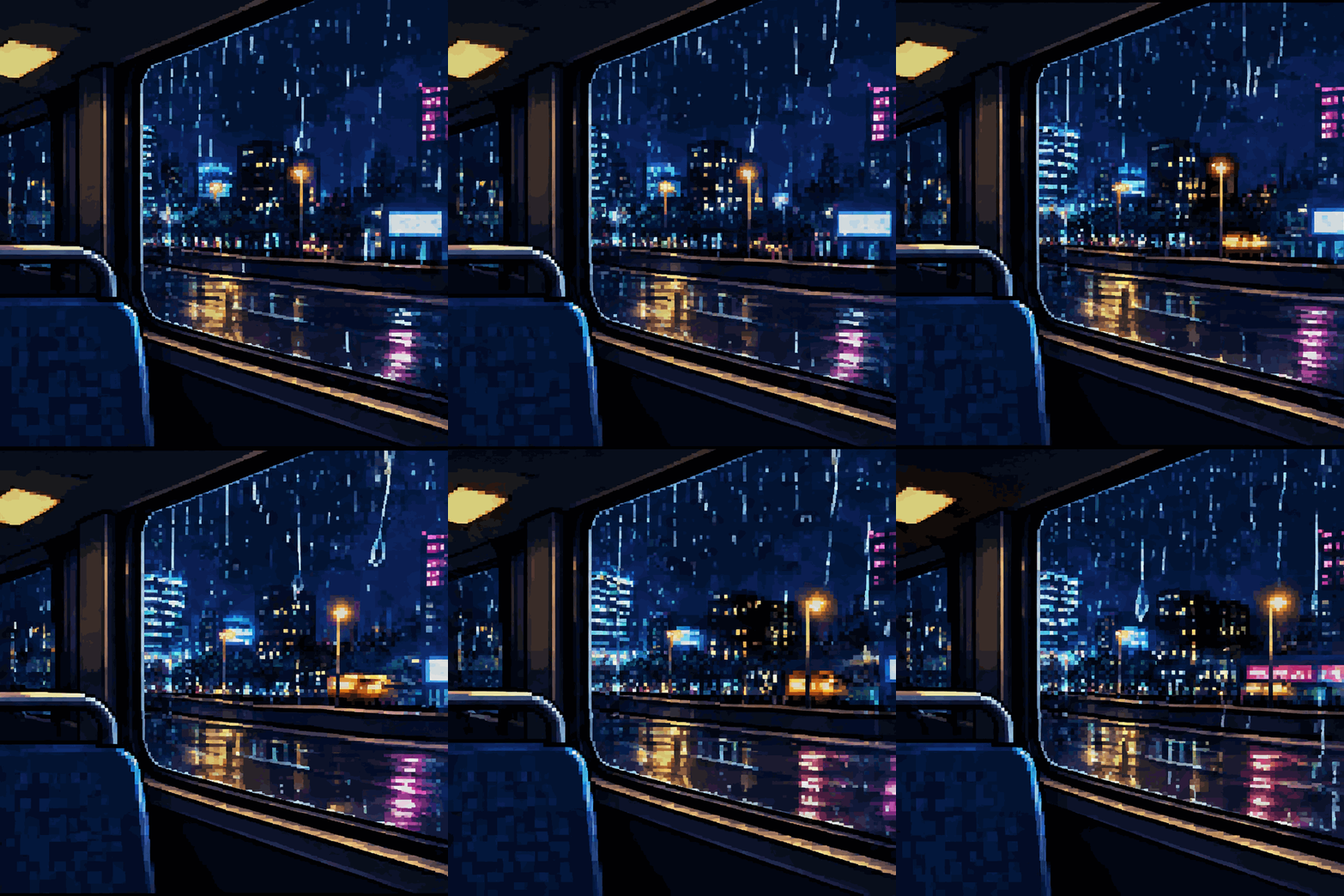
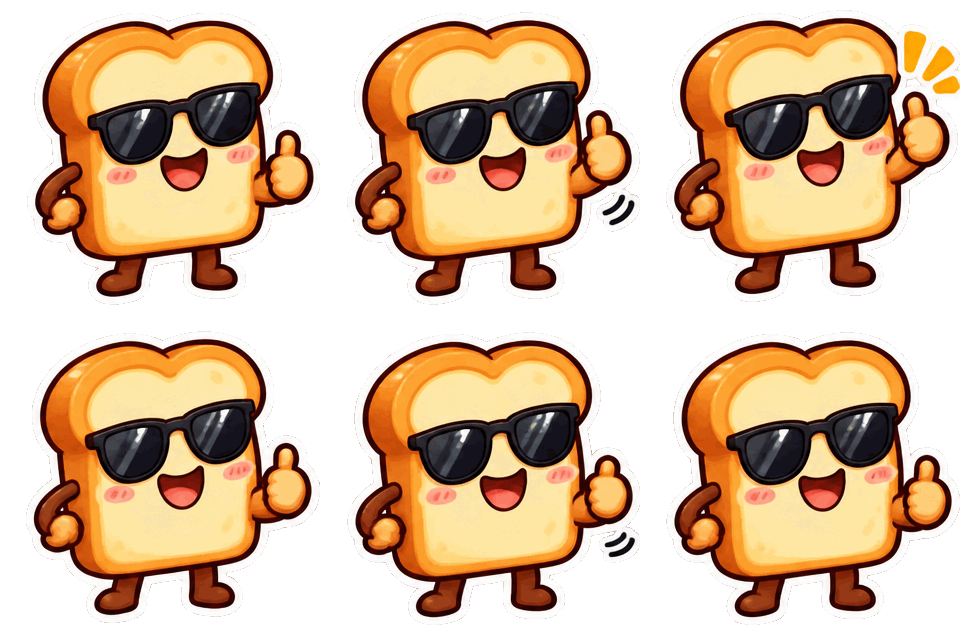
 Sticker GIF
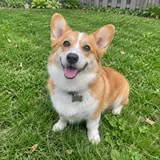 photo in
Discord file limits this GIF maker sizes for
Custom emoji must be under 256 KB; Discord shows them at up to 128 px and much smaller in a message. The Emoji format makes a 320 px transparent GIF of 8 frames, which came out at 160 to 210 KB in our tests, so it uploads without a compressor.
Stickers are 320 by 320 pixels and up to 512 KB. Discord’s help article lists PNG and APNG for stickers, and its blog lists GIF as well; if your upload refuses a GIF, use the still PNG version. Chat uploads take up to 10 MB without Nitro, so a 720 px reaction GIF of a few megabytes posts as is.
How to add an animated emoji to your server
Make the emoji in this Discord GIF maker and download the GIF. In Discord, open Server Settings, then Emoji, and press Upload Emoji. You need the Manage Expressions permission. Give it a short name; members type it between colons, like :gg_jump:.
Animated emoji are a Nitro perk to send in chat, so members without Nitro see them in messages but pick static ones from the menu. If most of your members are not on Nitro, make a still version too, or use the Sticker format, which every member of the server can send.
Stickers, reaction GIFs and avatars from the Discord GIF maker
Server stickers sit under Server Settings, then Stickers. Keep one character per sticker and a clear pose; a sticker shows larger than an emoji, so 12 frames and a bit more detail work well.
Reaction GIFs are 720 px squares with a background, made to post in chat. The Avatar format centers the subject with room around it, so the round crop does not cut it off; animated avatars need Discord Nitro.
Make emoji that read at 32 pixels
In a message an emoji is tiny. Ask for one big shape, thick outlines and two or three colors, and skip small props. A face, a hand gesture or a single object works better than a scene.
Short words work too: put one or two letters or a word in quotes, such as "GG" or "W". For a set, keep the same style and colors in every prompt so the emoji look like one family.
Want a full scene instead? The GIF generator makes 720 px looping GIFs of any idea. For a different format, try the AI sticker generator or the image to GIF AI. Credits for every format are on the pricing page, failed generations are refunded under the refund policy, and questions about uploads go to our contact page.
More GIF tools
Original art only
GIF Generator AI draws new images from your words with OpenAI's GPT-Image-2.6. Prompts for sexual content, celebrities, minors, or other people's characters and logos are refused, and a photo you upload may show only you or people who agreed. Every prompt is checked before credits are charged, OpenAI applies its own safety filters, and a blocked generation is refunded. GIF Generator AI is an independent site, not affiliated with OpenAI or Discord.
Discord GIF Maker FAQ
Give your server an emoji nobody else has
Type what should move, pick GIF or sticker, and download it in seconds. Transparent backgrounds included.
Make my Discord GIF