Upload a photo, watch it move
Image to GIF AI
This image to GIF AI tool brings a photo you already have to life. Upload a picture of your pet, a product or yourself, say what should move, and GPT-Image-2.6 redraws it as a looping GIF that keeps the same subject, colors and framing. Leave the box empty for gentle, natural motion, or pick Sticker GIF to cut the subject out on a transparent background, ready for Discord or a chat.
Animate my photo1Add a photo, then say what moves
One subject and one action that repeats (waving, bouncing, blinking) loop best. Words go in quotes. Use a photo you own; only photos of yourself or people who agreed.
2Pick a style
What's new
- Launch: photo to GIF, photo to sticker GIF and photo edits, through OpenAI’s image edits endpoint.
How to use the Image to GIF AI
Upload a photo
A JPG, PNG or WebP with one clear subject. The image to GIF AI resizes it to 1280 px in your browser and checks it before anything is charged.
Say what moves
"The dog wags its tail and winks", or leave it empty for blinking, breathing and a little wind. Pick GIF, Sticker GIF or Still.
Download the loop
Standard results take about 10 to 25 seconds. Save the GIF and post it, or upload the sticker version to your server.
Made with this tool
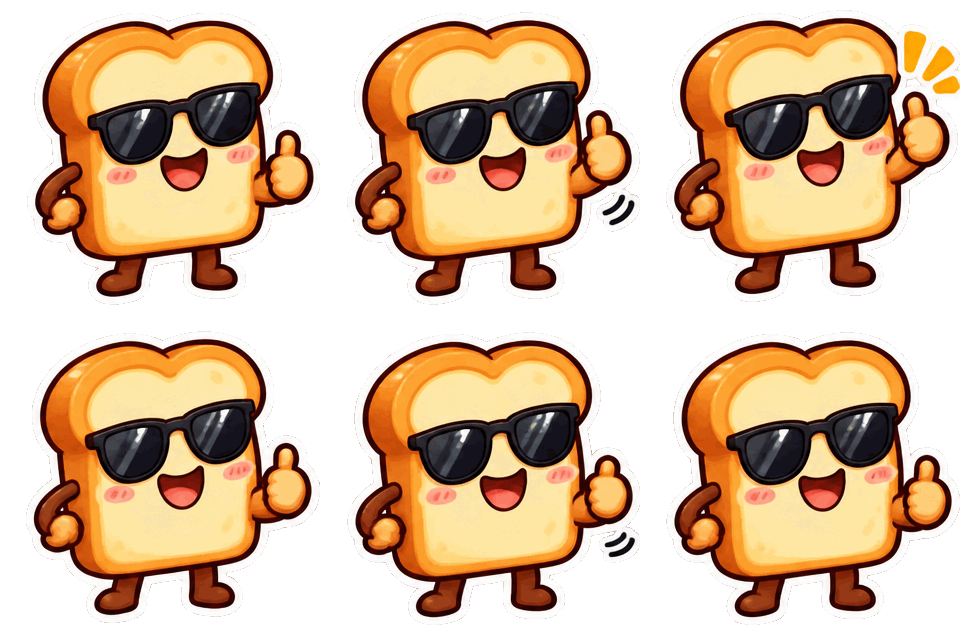
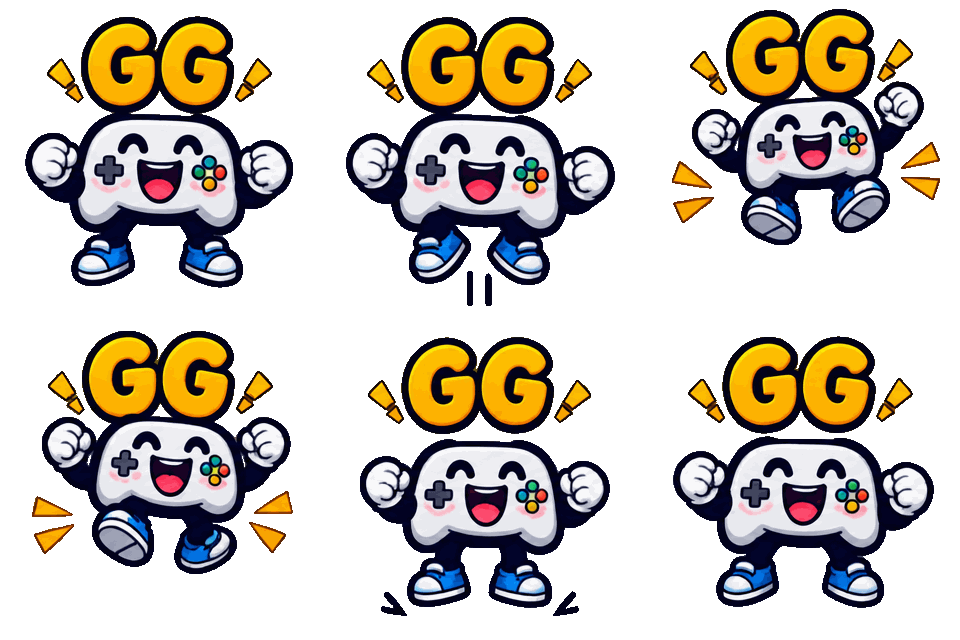
Made with this generator and GPT-Image-2.6 from the prompts and styles shown, with no editing afterwards. The checkerboard shows where the background is transparent. The input photo is AI-generated.
 Sticker GIF
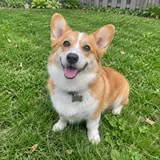 photo in
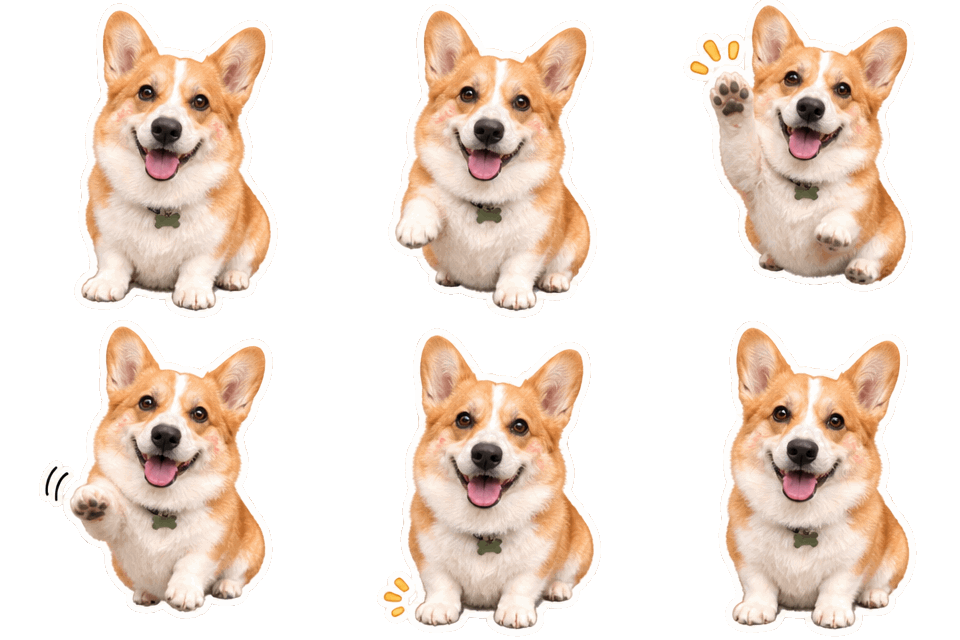
 Sticker GIF
 Sticker GIF
 GIF
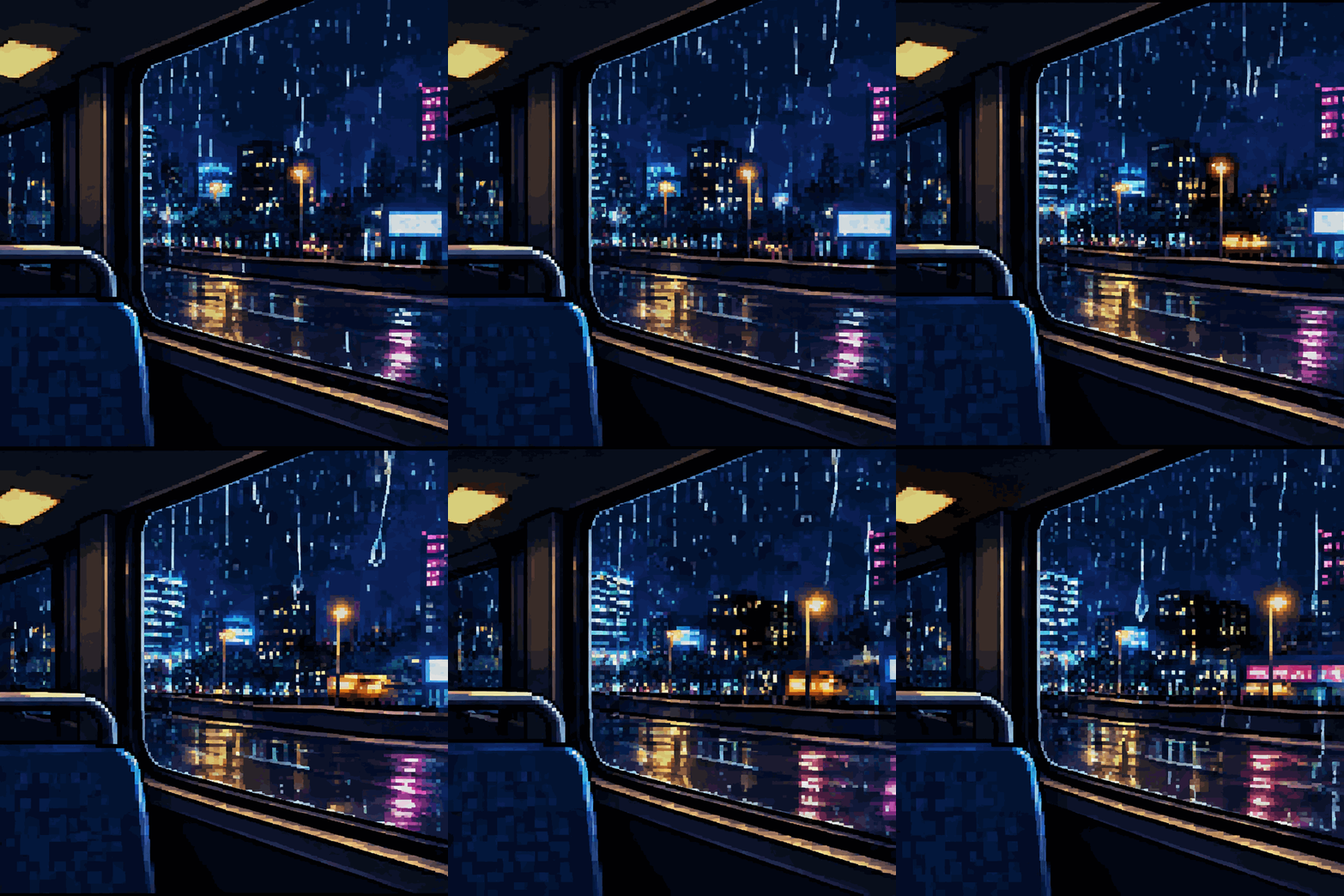
How this image to GIF AI works
A converter turns a video into a GIF frame by frame. This tool starts from one still photo instead: the photo goes to OpenAI’s GPT-Image-2.6 together with your sentence, and the model draws 8, 12 or 16 new frames that keep the subject from your picture while the motion you asked for plays out.
Because the frames are drawn, small things change from the photo: a whisker, a crease in a shirt, the exact grass. The face, colors and pose stay close. For the steadiest result, ask for one motion at a time and keep the Seamless loop option on.
Photos that work well in image to GIF AI
One clear subject, good light and a visible face work best: a pet looking at the camera, a cup of coffee on a table, a person from the chest up. Busy group shots and tiny subjects give the model less to hold on to.
Pick a motion that can repeat: a tail wag, a blink, hair in the wind, steam rising, snow falling, water rippling. The shape of the GIF follows your photo (square, portrait or landscape), so nothing important is cropped.
Turn a photo into a sticker or an emoji
Switch the format to Sticker GIF and the main subject of the photo is cut out on a transparent background at 320 x 320, with a white die-cut edge. In our test a corgi photo became an 8-frame waving sticker in 9.5 seconds.
Photo-real stickers come out larger than drawn ones: that corgi sticker was 266 KB, which fits Discord’s 512 KB sticker limit but not the 256 KB emoji limit. For an emoji, pick the Cartoon or Kawaii style: drawn styles at 8 frames came out at 160 to 210 KB in our tests. The generator shows every file size.
Photos of people
Animate photos of yourself, or of people who agreed to it. Photos of celebrities, public figures or children are not allowed, and neither are photos you have no right to use.
Every photo is checked for nudity by our moderation provider before any credits are charged, and a refused photo costs nothing. Uploaded photos are deleted from our storage automatically 7 days after upload; the GIF you made stays in your account.
Want a full scene instead? The GIF generator makes 720 px looping GIFs of any idea. For a different format, try the AI sticker generator or the Discord GIF maker. Credits for every format are on the pricing page, failed generations are refunded under the refund policy, and questions about uploads go to our contact page.
Original art only
GIF Generator AI draws new images from your words with OpenAI's GPT-Image-2.6. Prompts for sexual content, celebrities, minors, or other people's characters and logos are refused, and a photo you upload may show only you or people who agreed. Every prompt is checked before credits are charged, OpenAI applies its own safety filters, and a blocked generation is refunded. GIF Generator AI is an independent site, not affiliated with OpenAI or Discord.
Image to GIF AI FAQ
Your photo, moving on a loop
Type what should move, pick GIF or sticker, and download it in seconds. Transparent backgrounds included.
Animate my photo