Animated, transparent, 320 px
AI Emoji Generator
This AI emoji generator turns one sentence into an animated emoji with a transparent background, ready to upload to Discord, Slack, Telegram, Twitch or your own website. You describe the face, object or gesture, GPT-Image-2.6 draws a small looping GIF, and you download it in seconds. Most emoji tools stop at a still picture; this one makes it move.
Make my emoji1Describe your emoji
One subject and one action that repeats (waving, bouncing, blinking) loop best. Words go in quotes. No real people, celebrities or brand characters.
2Pick a style
What's new
- Launch: 320 px transparent emoji GIFs, with a 128 px download for Discord and Slack.
How to use the AI Emoji Generator
Describe one emoji
A face or object plus one motion: "a nodding rubber duck". Words go in quotes and work best at one to six letters.
Choose speed and quality
Emoji mode is 320 x 320 and transparent, with 8 frames by default. Standard takes about 8 to 15 seconds, HD about 25 to 45.
Download and upload
Save the 320 px GIF, or the 128 px version for Discord and Slack, then add it in your server or workspace settings.
Made with this tool
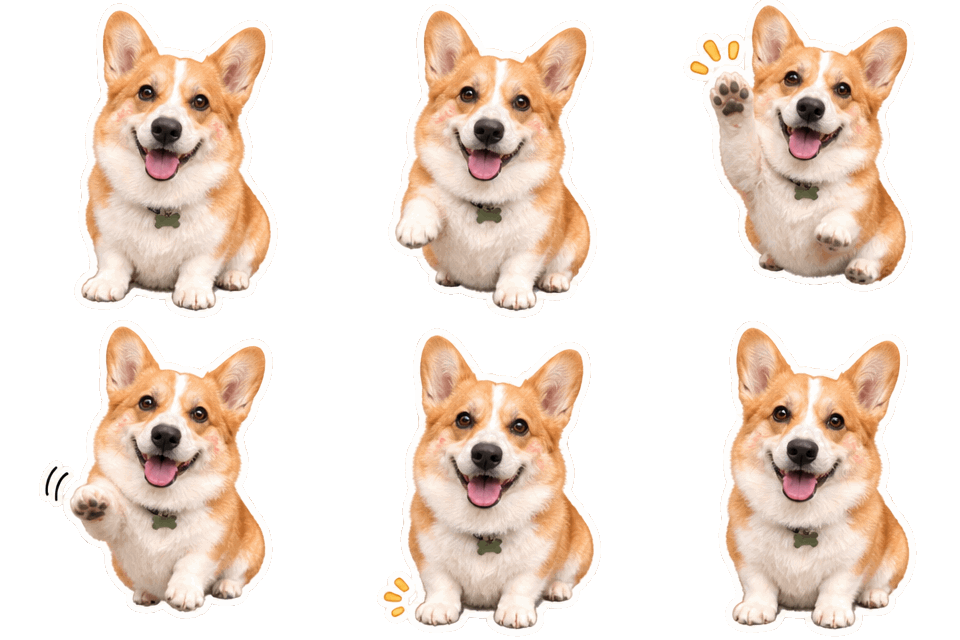
Made with this generator and GPT-Image-2.6 from the prompts and styles shown, with no editing afterwards. The checkerboard shows where the background is transparent. The people, pets and input photo are AI-generated and fictional.
 Emoji GIF

 Emoji GIF
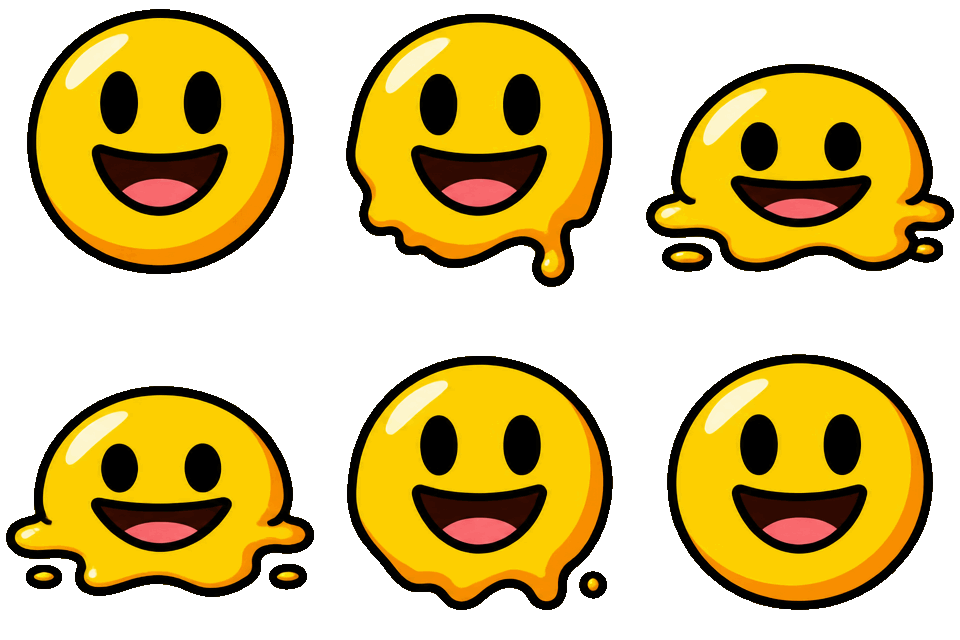
 Emoji GIF
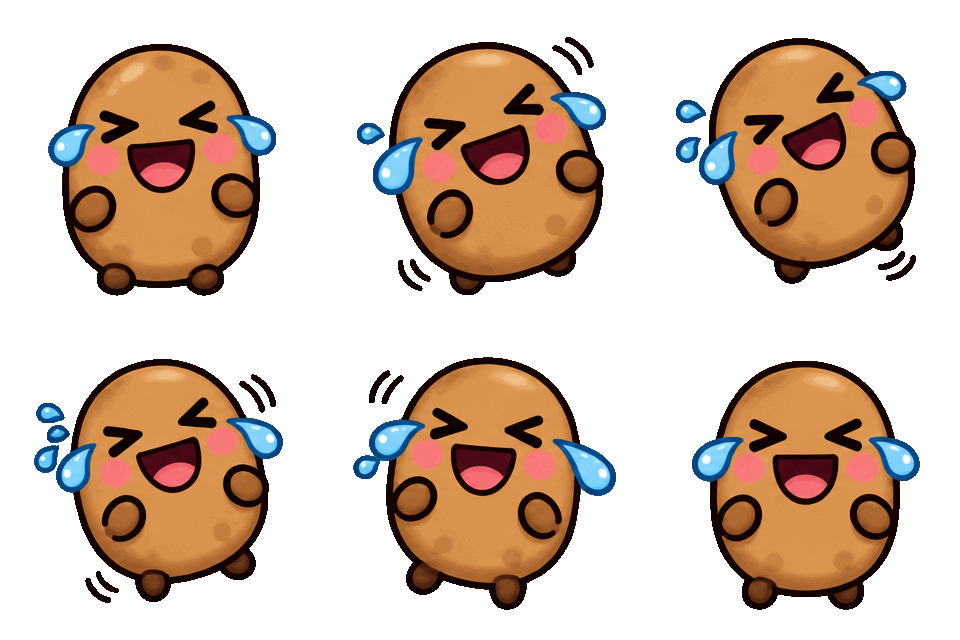
 GIF

 Sticker GIF
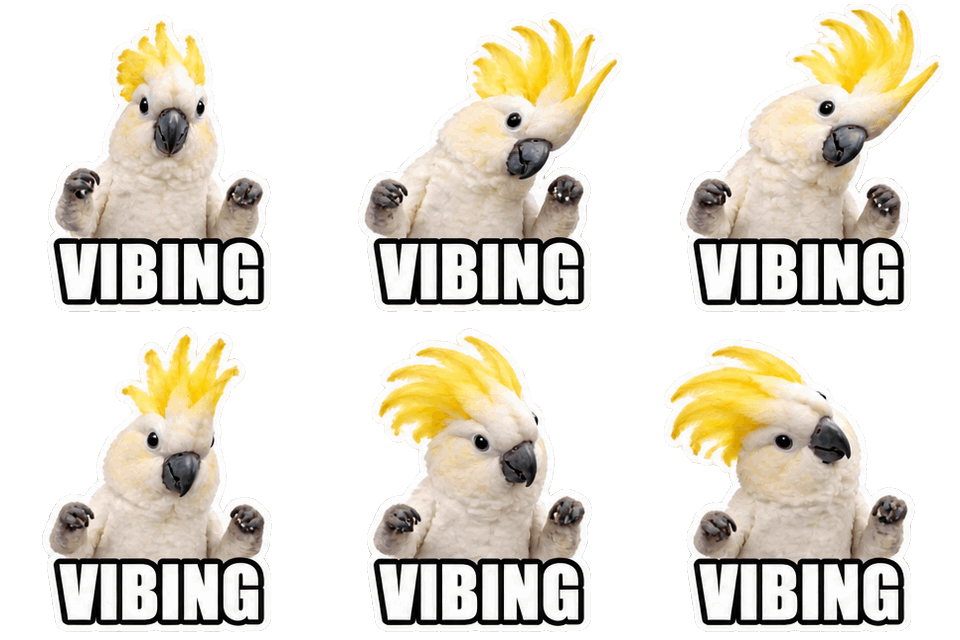
 GIF
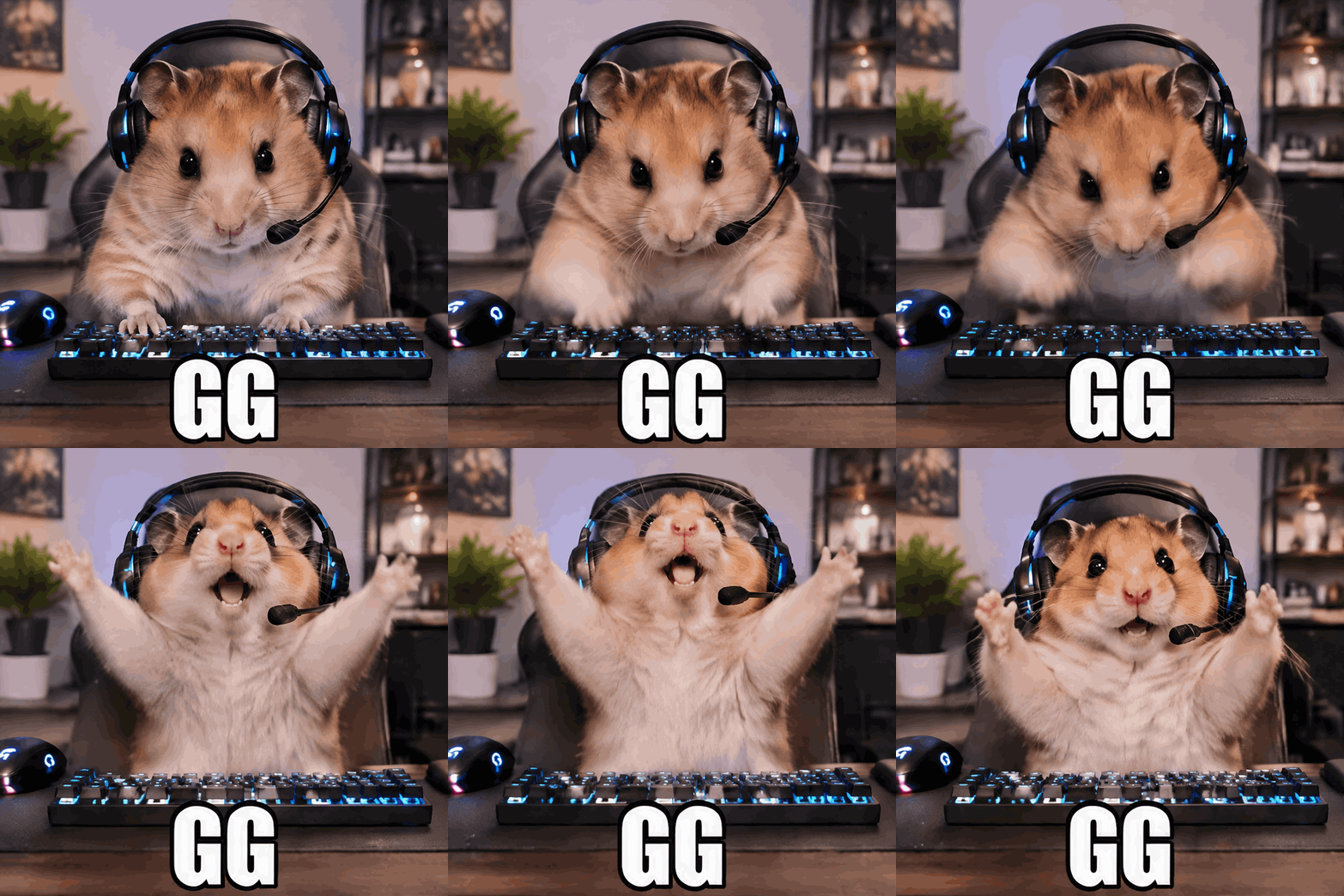
 Sticker GIF
 photo in
 Emoji GIF
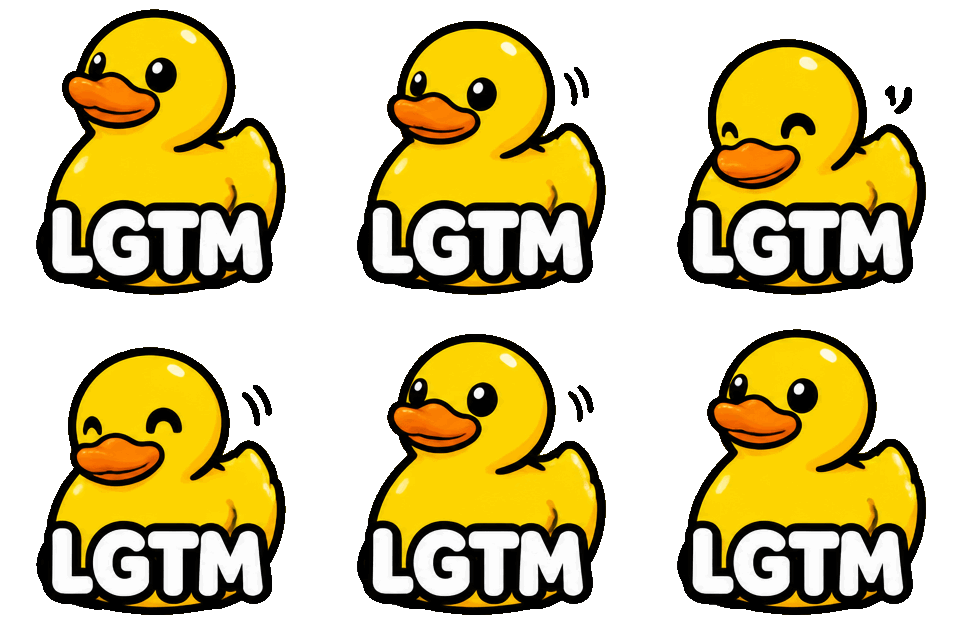
What this AI emoji generator makes
An emoji here is one bold subject on a transparent background, drawn at 320 x 320 pixels as a GIF of 8, 12 or 16 frames. The prompt asks for thick outlines and flat shapes, because an emoji is shown tiny and fine detail turns to mush.
A Standard emoji from the AI emoji generator costs 1 credit and an HD emoji 2. If you want a still image instead, the Still PNG option gives a 1024 x 1024 transparent picture for 1 credit.
Custom emoji maker for Discord, Slack, Telegram and Twitch
As a custom emoji maker it covers the places people actually upload: Discord server emoji, Slack workspace emoji, Twitch emotes, and Telegram or website use. Each platform has its own file rules, so there are dedicated pages for the Slack emoji maker and the Twitch emote maker with the exact steps and sizes.
Telegram has its own emoji and sticker formats, so check its current rules and convert the GIF in its tool if needed. On a website or in an email, the GIF works as is.
Animated emoji maker, not just a static one
Search for an emoji tool and most results turn a photo into a still picture, run a prompt through an image model, or list what Apple’s Genmoji does. They give you a flat file. As an animated emoji maker, this site draws the frames of a loop, so the face blinks, the heart spins or the duck nods, and the background is transparent from the first frame.
Keep the motion simple. One repeating action in 8 frames reads clearly at chat size; a whole scene does not.
Emoji sizes and limits by platform
Discord: custom emoji must be under 256 KB, 128 x 128 is recommended, and animated emoji are GIFs. They show at about 32 px in chat. Slack: square images under 128 KB, 128 x 128, JPG, PNG or GIF, and GIFs up to 50 frames. Twitch: animated emotes are square GIFs of at most 60 frames, with a 1 MB limit for auto-resize upload.
An 8-frame emoji from this AI emoji generator is about 160 to 210 KB at 320 px, which fits Discord as is. The "128 px" download button resizes it to the size Discord and Slack recommend.
AI emoji maker tips for a matching set
With an AI emoji generator, a set only looks like a set if you reuse the same style words in every prompt, such as "flat cartoon, thick dark outline, two colors", so the emoji look like one family. Use a short word in quotes if you need text, for example "GG" or "OK", and keep it to a few letters.
Avoid a flashing look. Keep the speed on Normal or Slow and skip strobing colors, since Twitch bans animated emotes that flash more than three times a second and a calm loop is easier to read anywhere.
Want a full scene instead? The GIF generator makes 720 px looping GIFs of any idea. For a different format, try the Slack emoji maker or the Twitch emote maker or the transparent GIF maker. Credits for every format are on the pricing page, failed generations are refunded under the refund policy, and questions about uploads go to our contact page. Before you upload, check the Discord emoji size guide, or see how other tools compare in the best AI sticker generators.
More GIF tools
GIF generator
Any idea as a looping 720 px GIF, or a transparent 320 px sticker GIF.
AI sticker generator
Animated or still stickers with a transparent background and a white die-cut edge.
Discord GIF maker
Animated emoji, stickers, reaction GIFs and avatars, sized for Discord’s limits.
Image to GIF AI
Animate your own photo as a looping GIF, or cut its subject out as a transparent sticker.
Slack emoji maker
Animated custom Slack emoji with a transparent background and a 128 px download.
Twitch emote maker
Animated Twitch emotes from a prompt, with downloads at 112, 56 and 28 px.
Transparent GIF maker
New animated GIFs with a transparent background from the first frame, no cut-out halo.
Original art only
GIF Generator AI draws new images from your words with OpenAI's GPT-Image-2.6. Prompts for sexual content, celebrities, minors, or other people's characters and logos are refused, and a photo you upload may show only you or people who agreed. Every prompt is checked before credits are charged, OpenAI applies its own safety filters, and a blocked generation is refunded. GIF Generator AI is an independent site, not affiliated with OpenAI or Discord.
AI Emoji Generator FAQ
Make an emoji that moves
Type what should move, pick GIF or sticker, and download it in seconds. Transparent backgrounds included.
Make my emoji