Transparent from the first frame
Transparent GIF Maker
This transparent GIF maker draws a new animated GIF whose background is see-through from the first frame, so there is no cut-out edge to clean up. Describe one subject and one motion, and the GIF comes back ready to drop onto a web page, a video, a slide or a chat. It makes new GIFs; it does not remove the background from a GIF you already have.
Make my transparent GIF1Describe what moves
One subject and one action that repeats (waving, bouncing, blinking) loop best. Words go in quotes. No real people, celebrities or brand characters.
2Pick a style
What's new
- Launch: transparent background on by default for 720 px GIFs and 320 px sticker GIFs.
How to use the Transparent GIF Maker
Describe one subject
Name the subject and one motion: "a spinning gold coin". Say "no scenery" so nothing is left to remove.
Check Transparent
Background is set to Transparent on this page. Pick a 720 px GIF or the 320 px sticker size.
Download the GIF
The preview shows a checkerboard where the GIF is see-through. Save it and place it over any background.
Made with this tool
Made with this generator and GPT-Image-2.6 from the prompts and styles shown, with no editing afterwards. The checkerboard shows where the background is transparent. The people, pets and input photo are AI-generated and fictional.
 GIF
 GIF

 GIF
 GIF

 Sticker GIF
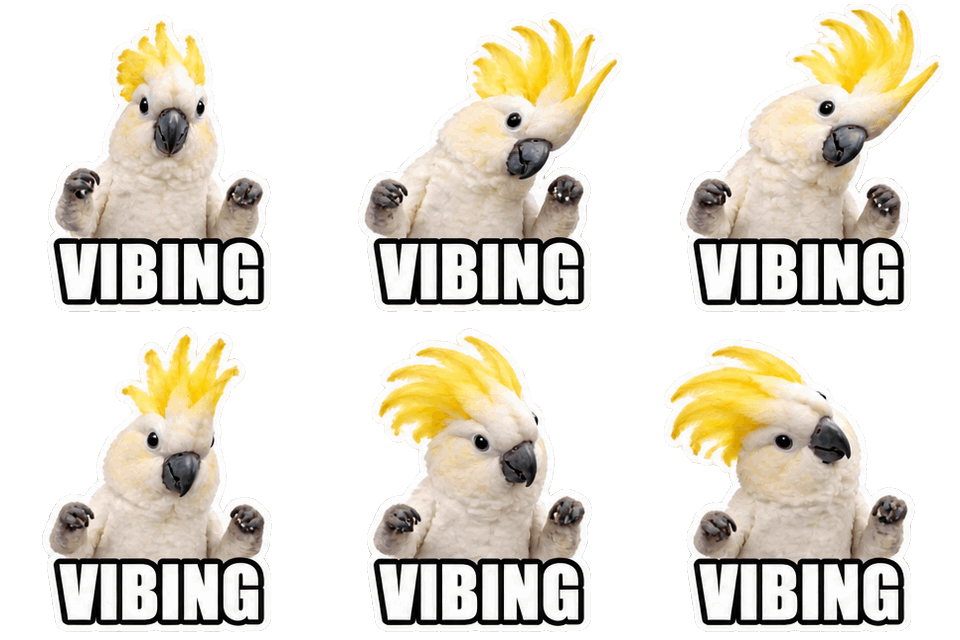
 GIF
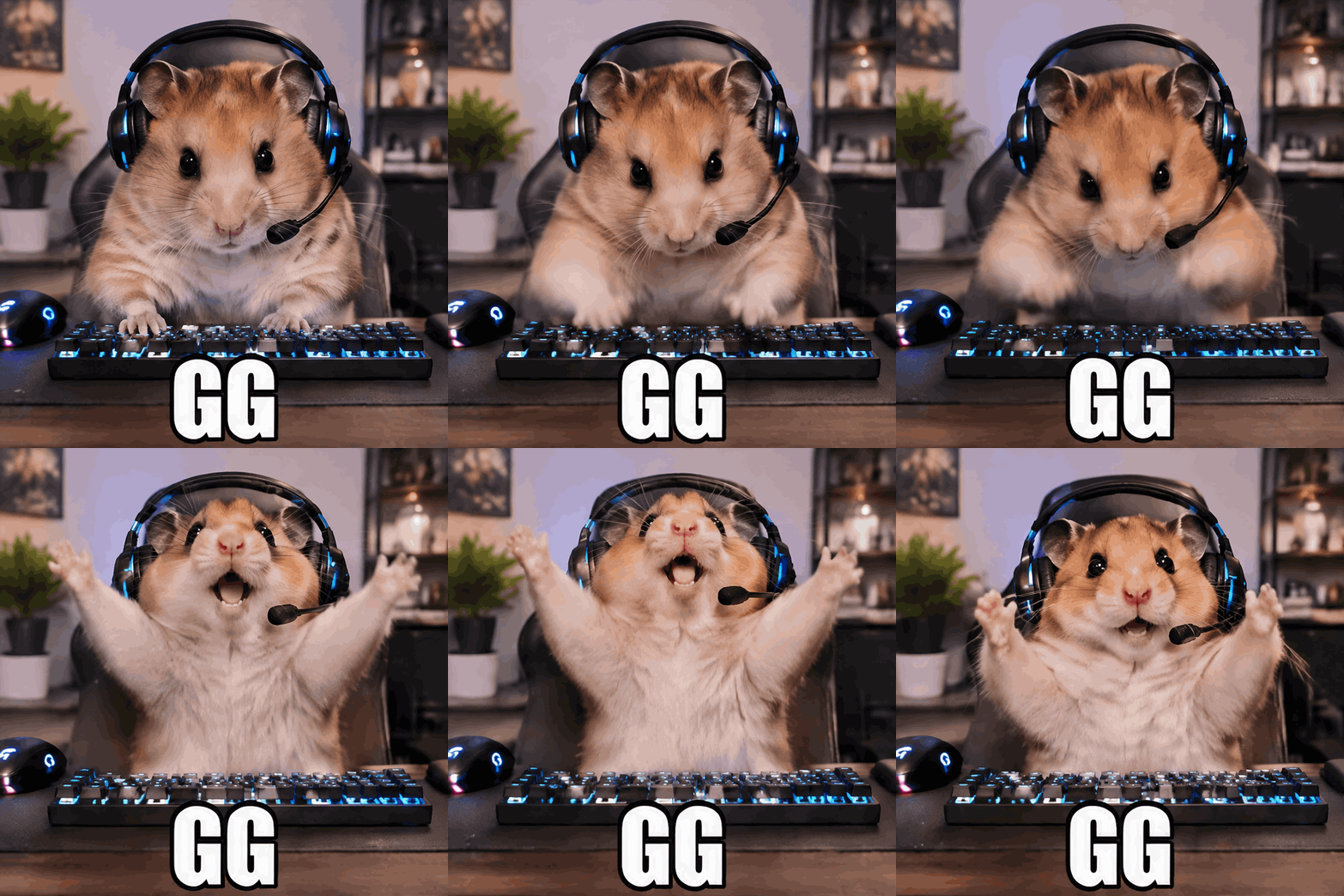
 Sticker GIF
 photo in
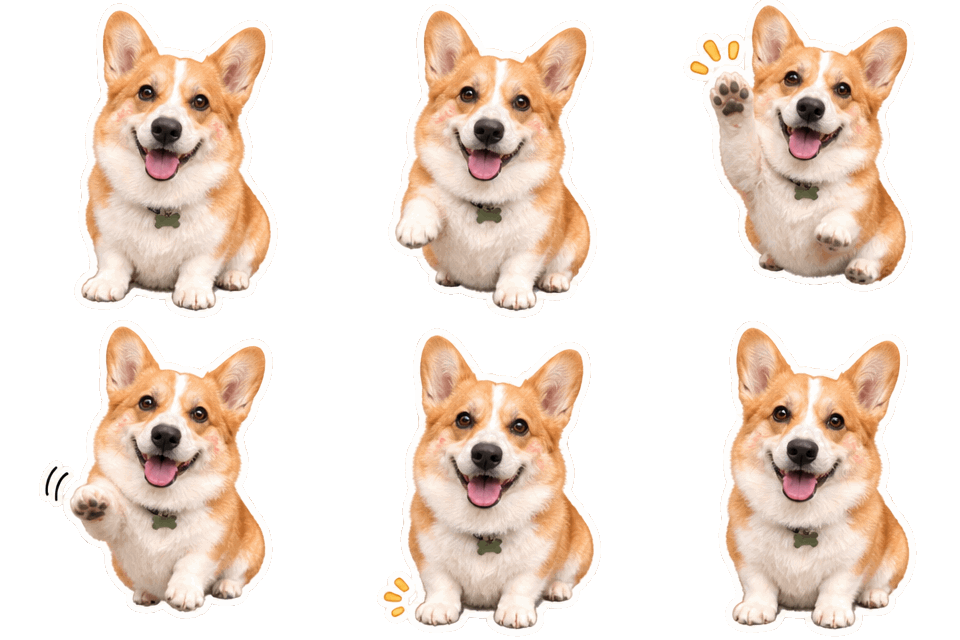
 Emoji GIF

What this transparent GIF maker does
Most pages for this keyword are background removers: you upload a GIF and software tries to cut the subject out of every frame. This transparent GIF maker works the other way round. GPT-Image-2.6 draws a new animation and marks the background as transparent as it draws, so the edge is clean and there is no halo from a cut-out.
Because it draws new frames, the transparent GIF maker is a generator, not an editor. It will not take a GIF you made elsewhere and make its background transparent.
Sizes, frames and credits for a transparent background GIF
A transparent background GIF can be 720 x 720, 576 x 864 (portrait) or 864 x 576 (landscape) with 8, 12 or 16 frames. That costs 3 credits in Standard (4 at 16 frames) and 6 in HD, and the file is about 1 to 4 MB. The 320 px sticker size costs 1 credit in Standard and 2 in HD, with an 8-frame file of about 160 to 210 KB.
In the transparent GIF maker, pick 720 px for a web page, a slide or a video overlay, and 320 px for chats, emoji and stickers.
GIF with transparent background: the one limit to know
GIF transparency is 1-bit: a pixel is either fully see-through or fully visible. There is no half-transparent pixel in the format. So soft shadows, glows and smoky edges get a hard edge, and a light edge can show on a dark page.
Ask for flat shapes, a clear outline and no shadow or glow. Check the result on the background color you will use, and regenerate if the edge looks rough.
Where a transparent animated GIF works
A transparent animated GIF drops onto web pages, email, slides, Discord and Slack emoji, and video editors that read GIF alpha. Some apps flatten a GIF onto a solid color, so test it in the place you plan to use it.
For a still image with smooth, partly transparent edges, use the Still PNG option on the main generator: PNG supports soft transparency and GIF does not.
Prompts for a clean transparent GIF
Describe one subject, one repeating motion and a flat style. Say what to leave out, such as "no ground, no scenery, no shadow". Short words in quotes work, for example "SALE" or "NEW".
Avoid fire, smoke, water and glass. They rely on soft edges and look rough in a 1-bit GIF.
Want a full scene instead? The GIF generator makes 720 px looping GIFs of any idea. For a different format, try the AI sticker generator or the Discord GIF maker or the image to GIF AI. Credits for every format are on the pricing page, failed generations are refunded under the refund policy, and questions about uploads go to our contact page. Before you upload, check the Discord emoji size guide, or see how other tools compare in the best AI sticker generators.
More GIF tools
GIF generator
Any idea as a looping 720 px GIF, or a transparent 320 px sticker GIF.
AI sticker generator
Animated or still stickers with a transparent background and a white die-cut edge.
Discord GIF maker
Animated emoji, stickers, reaction GIFs and avatars, sized for Discord’s limits.
Image to GIF AI
Animate your own photo as a looping GIF, or cut its subject out as a transparent sticker.
AI emoji generator
Animated custom emoji with a transparent background, made from one sentence.
Slack emoji maker
Animated custom Slack emoji with a transparent background and a 128 px download.
Twitch emote maker
Animated Twitch emotes from a prompt, with downloads at 112, 56 and 28 px.
Original art only
GIF Generator AI draws new images from your words with OpenAI's GPT-Image-2.6. Prompts for sexual content, celebrities, minors, or other people's characters and logos are refused, and a photo you upload may show only you or people who agreed. Every prompt is checked before credits are charged, OpenAI applies its own safety filters, and a blocked generation is refunded. GIF Generator AI is an independent site, not affiliated with OpenAI or Discord.
Transparent GIF Maker FAQ
Make a GIF with no background
Type what should move, pick GIF or sticker, and download it in seconds. Transparent backgrounds included.
Make my transparent GIF