Animated, transparent, 128 px ready
Slack Emoji Maker
This Slack emoji maker draws a new animated custom emoji from a sentence and saves it at the size Slack asks for. The emoji is a transparent GIF that loops, so it sits cleanly on a light or dark theme. Describe it, press Generate, download the 128 px file and add it to your workspace.
Make my Slack emoji1Describe your emoji
One subject and one action that repeats (waving, bouncing, blinking) loop best. Words go in quotes. No real people, celebrities or brand characters.
2Pick a style
What's new
- Launch: a "Slack 128 px" download that resizes your emoji to 128 x 128 in the browser.
How to use the Slack Emoji Maker
Describe your emoji
One object or face and one motion: "a smiling coffee mug bounces". Add a word in quotes if you need text.
Generate it
The emoji is a transparent 320 x 320 GIF. Standard takes about 8 to 15 seconds and costs 1 credit.
Download "Slack 128 px"
The button resizes the GIF to 128 x 128 in your browser. Upload it in Slack and name it.
Made with this tool
Made with this generator and GPT-Image-2.6 from the prompts and styles shown, with no editing afterwards. The checkerboard shows where the background is transparent. The people, pets and input photo are AI-generated and fictional.
 Emoji GIF
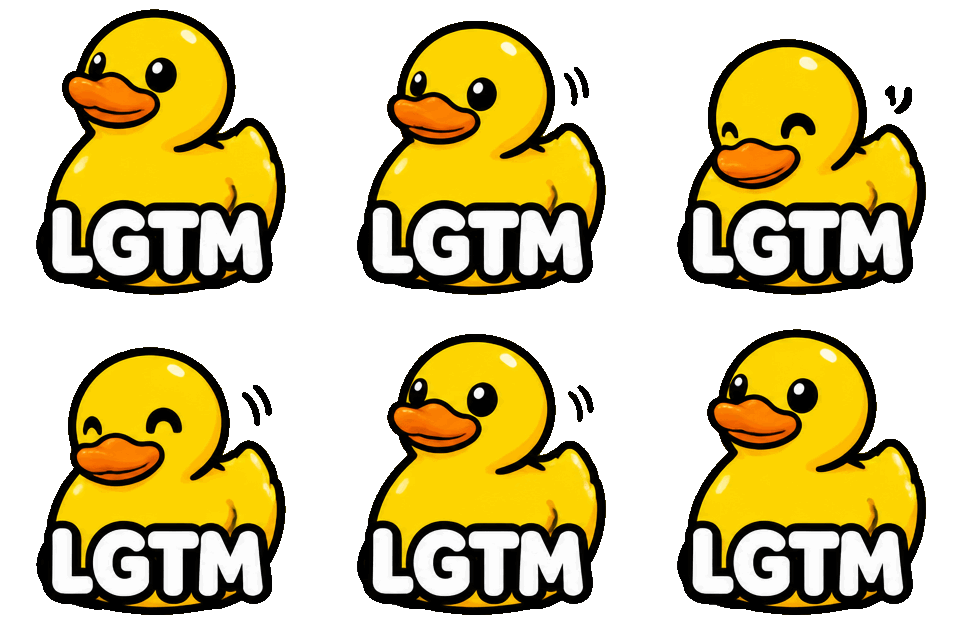
 Emoji GIF

 Emoji GIF

 GIF

 Sticker GIF
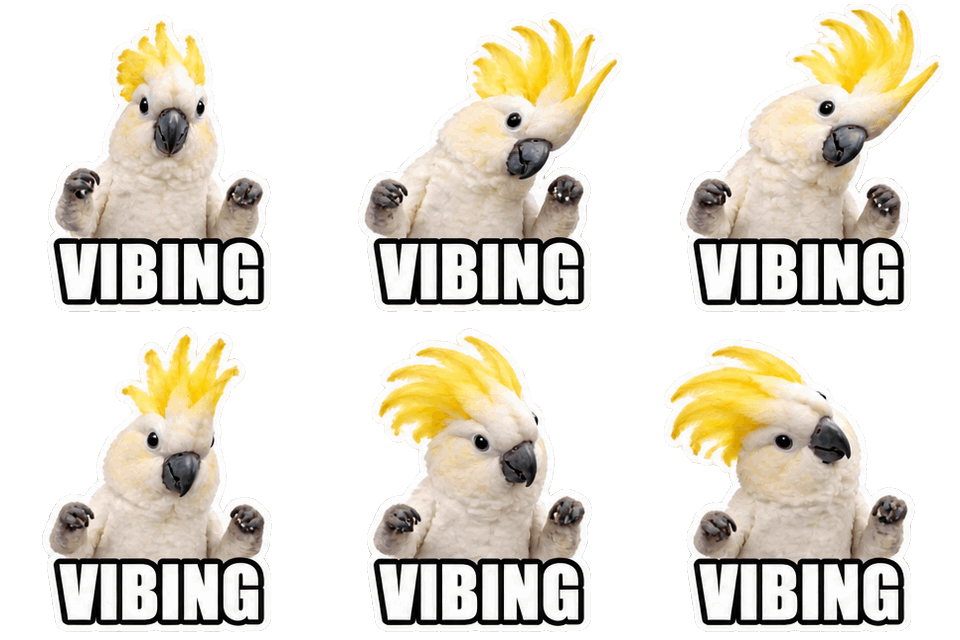
 GIF
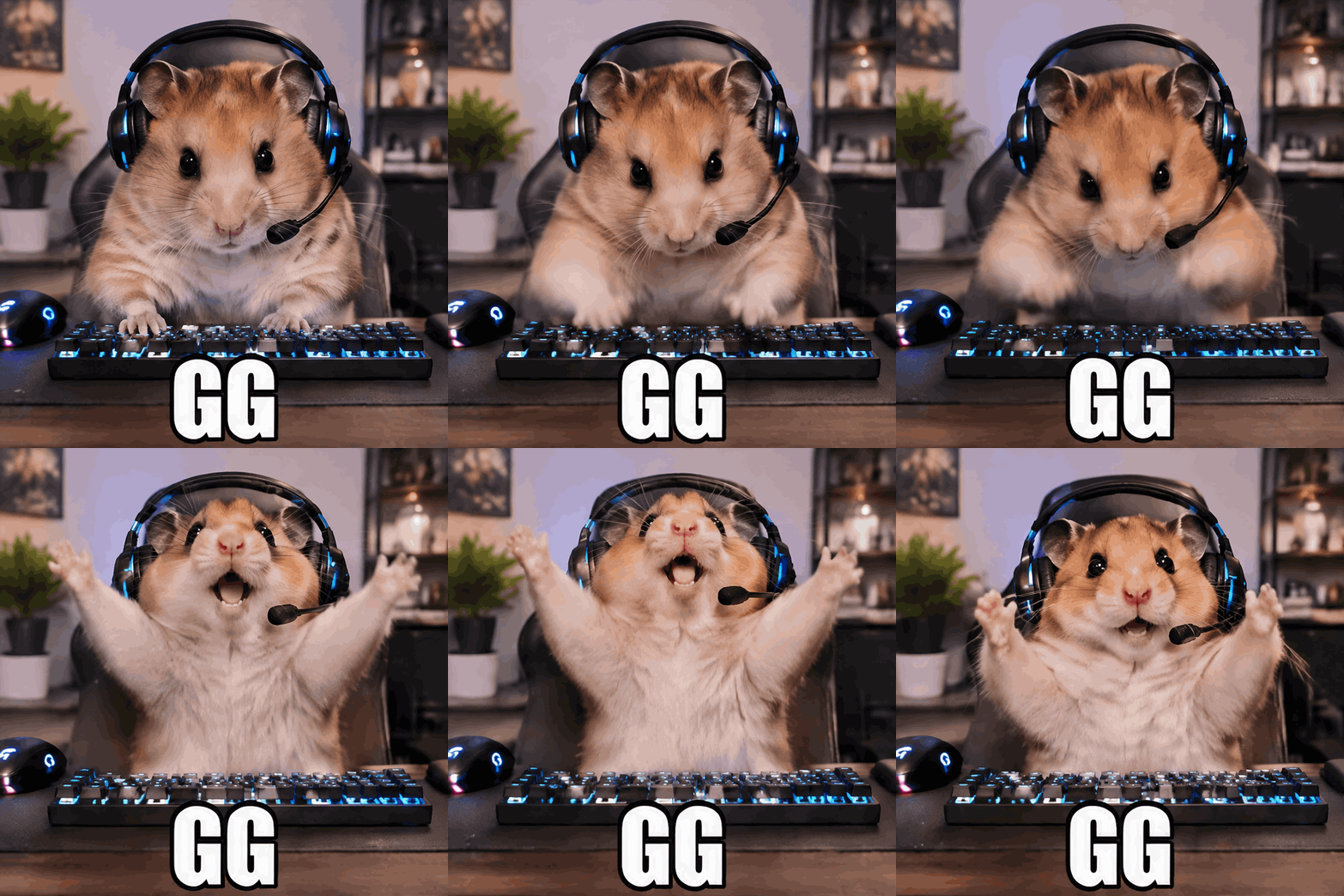
 Sticker GIF
 photo in
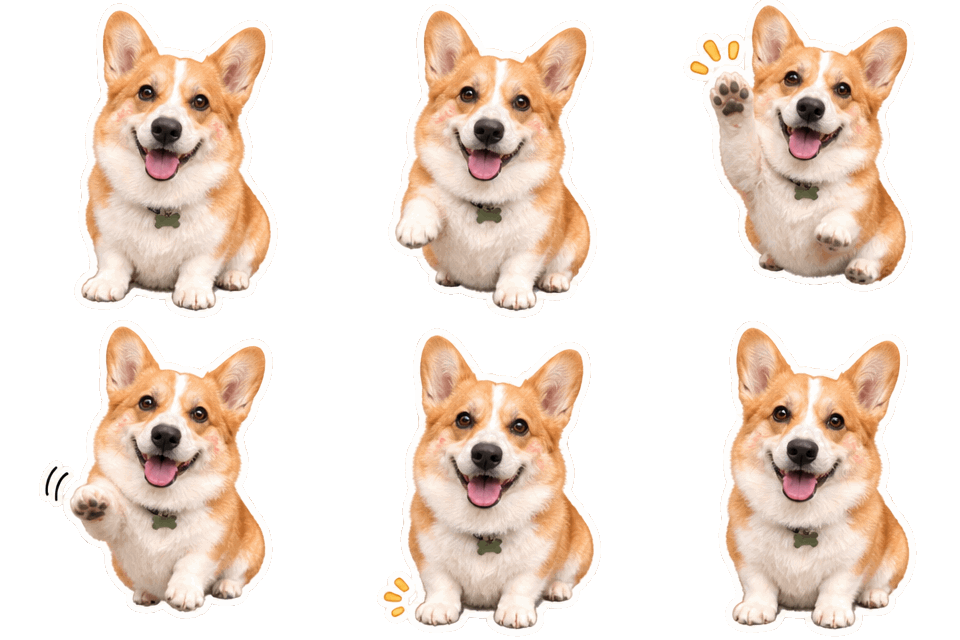
 Emoji GIF

What this Slack emoji maker produces
You get a looping GIF of one subject with a transparent background. The Slack emoji maker draws it at 320 x 320 pixels, and the "Slack 128 px" button saves a 128 x 128 copy resized in your browser. An 8-frame emoji is usually well under Slack’s 128 KB limit once it is resized, and the generator shows the exact size.
A custom Slack emoji is shown at text size, so a bold shape beats detail. Ask for thick outlines, flat colors and a single subject.
Slack emoji size and file limits
According to the Slack Help Center, a custom emoji should be a square image under 128 KB, 128 x 128 pixels, with a transparent background working best. File types are JPG, PNG or GIF, and GIFs can have up to 50 frames. Slack tries to resize an image that is too large, but it can still reject it.
This Slack emoji maker makes 8, 12 or 16 frames, so it stays inside the frame limit. If a file is refused for size, regenerate with 8 frames and a simpler prompt.
How to add a custom emoji in Slack
Make the emoji in the Slack emoji maker first. Then, on desktop, open the emoji picker with the smiley icon in a message field and choose Add Emoji. You can also open your workspace menu, go to Customize, and add it from the Emoji tab. Upload the 128 px GIF, give the emoji a short name (members type it between colons), and press Save.
Menu names shift between Slack versions. Workspace admins can limit who is allowed to add custom emoji, so if you do not see the option, ask an admin.
Slack emoji GIF and animated Slack emoji tips
A slack emoji gif works best with one repeating action: a nod, a wobble, a wave. Eight frames at Normal speed loop in about one second, which feels lively without being distracting in a busy channel.
For an animated Slack emoji that reads on both light and dark themes, avoid white outlines and pick mid-tone colors. Because GIF transparency is on or off per pixel, soft shadows can look rough, so ask for a flat style with no glow.
A Slack emoji generator for team in-jokes
Teams use custom emoji for status, kudos and running jokes: a rocket for a deploy, a mug for a stand-up, a sleepy bug for a bug that will not die. As a Slack emoji generator it lets you make the ones that exist nowhere else.
For a matching set, keep the same style words in each prompt. Describe an original character such as "a smiling cardboard box" rather than a brand mascot.
Want a full scene instead? The GIF generator makes 720 px looping GIFs of any idea. For a different format, try the Twitch emote maker or the transparent GIF maker or the AI sticker generator. Credits for every format are on the pricing page, failed generations are refunded under the refund policy, and questions about uploads go to our contact page. Before you upload, check the Discord emoji size guide, or see how other tools compare in the best AI sticker generators.
More GIF tools
GIF generator
Any idea as a looping 720 px GIF, or a transparent 320 px sticker GIF.
AI sticker generator
Animated or still stickers with a transparent background and a white die-cut edge.
Discord GIF maker
Animated emoji, stickers, reaction GIFs and avatars, sized for Discord’s limits.
Image to GIF AI
Animate your own photo as a looping GIF, or cut its subject out as a transparent sticker.
AI emoji generator
Animated custom emoji with a transparent background, made from one sentence.
Twitch emote maker
Animated Twitch emotes from a prompt, with downloads at 112, 56 and 28 px.
Transparent GIF maker
New animated GIFs with a transparent background from the first frame, no cut-out halo.
Original art only
GIF Generator AI draws new images from your words with OpenAI's GPT-Image-2.6. Prompts for sexual content, celebrities, minors, or other people's characters and logos are refused, and a photo you upload may show only you or people who agreed. Every prompt is checked before credits are charged, OpenAI applies its own safety filters, and a blocked generation is refunded. GIF Generator AI is an independent site, not affiliated with OpenAI or Discord.
Slack Emoji Maker FAQ
Make a Slack emoji your team will use
Type what should move, pick GIF or sticker, and download it in seconds. Transparent backgrounds included.
Make my Slack emoji